
PeriScan
A mobile-first document scanning app designed to simplify scanning, organizing, and sharing documents with a seamless and efficient user experience.
Client:
Live Product (PeriScan)
Date:
Type:
Mobile App
Role:
Product Designer
Introduction
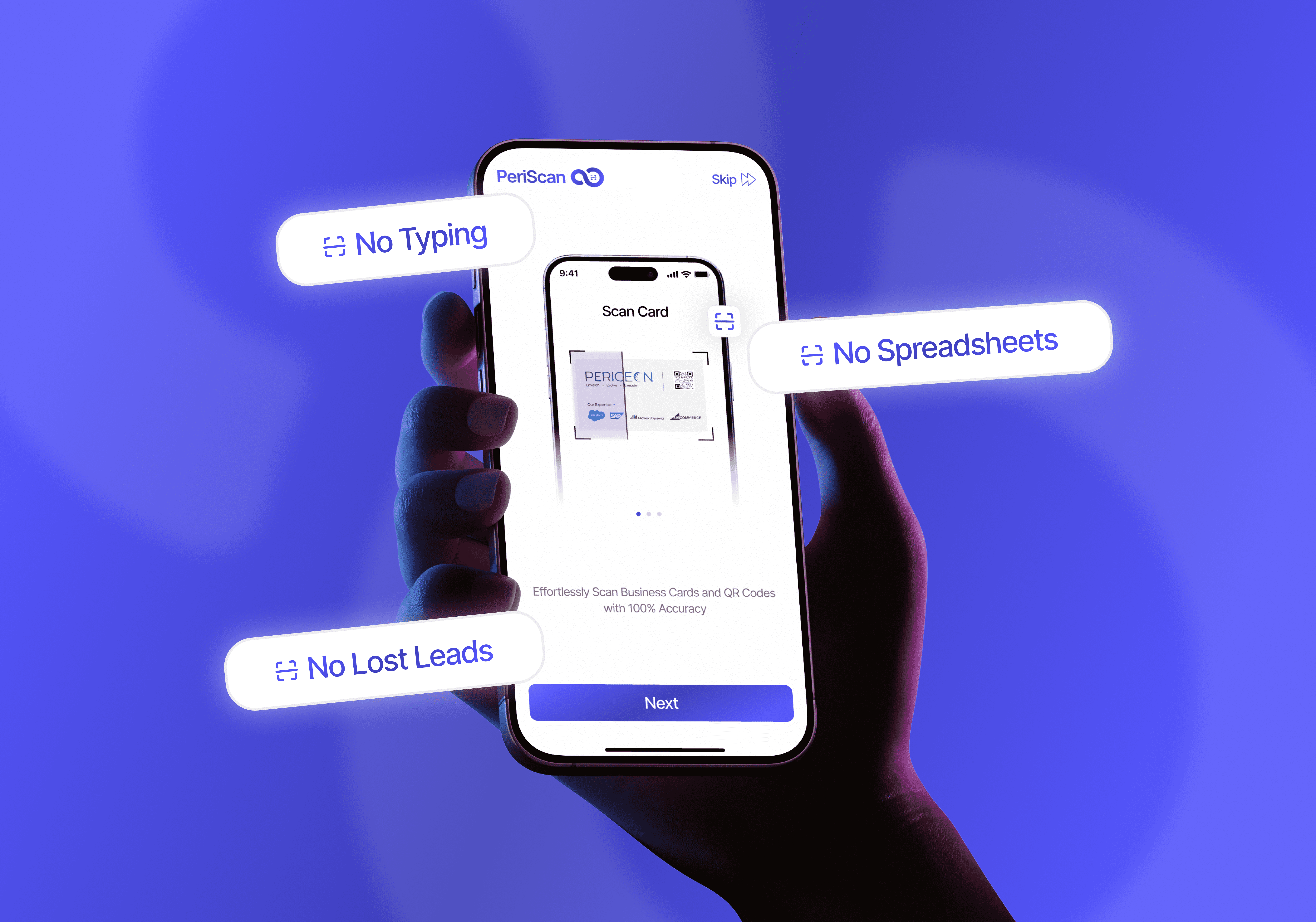
PeriScan is a mobile application designed to simplify document scanning, storage, and sharing. It enables users to quickly scan documents, enhance quality, and manage files efficiently on the go.
The goal of this project was to create a fast, intuitive, and reliable scanning experience tailored for everyday users.
Problem Statement
Users often face challenges with document scanning apps:
Slow and complicated scanning flows
Poor image quality and editing tools
Difficult file organization
Cluttered interfaces
These issues lead to frustration and reduced usability.
Goals & Objectives
Simplify the scan-to-save workflow
Improve scan quality and editing tools
Design a clean and minimal interface
Enable quick sharing and organization
Optimize for mobile-first interaction
Target Users
Students scanning notes and assignments
Professionals managing documents
Small business owners handling paperwork
Everyday users needing quick scans
Design Process
User flow mapping
UX simplification
Wireframing
UI design
Interaction design
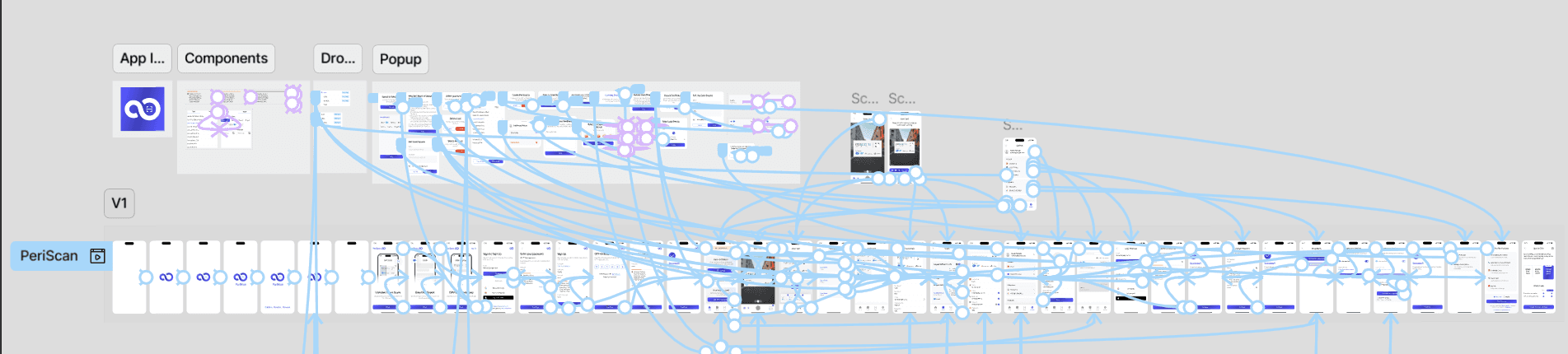
Key User Flow
The primary flow was optimized to reduce friction:
Open App → Scan → Adjust → Save → Share
Focus:
Fewer steps
Clear actions
Fast completion

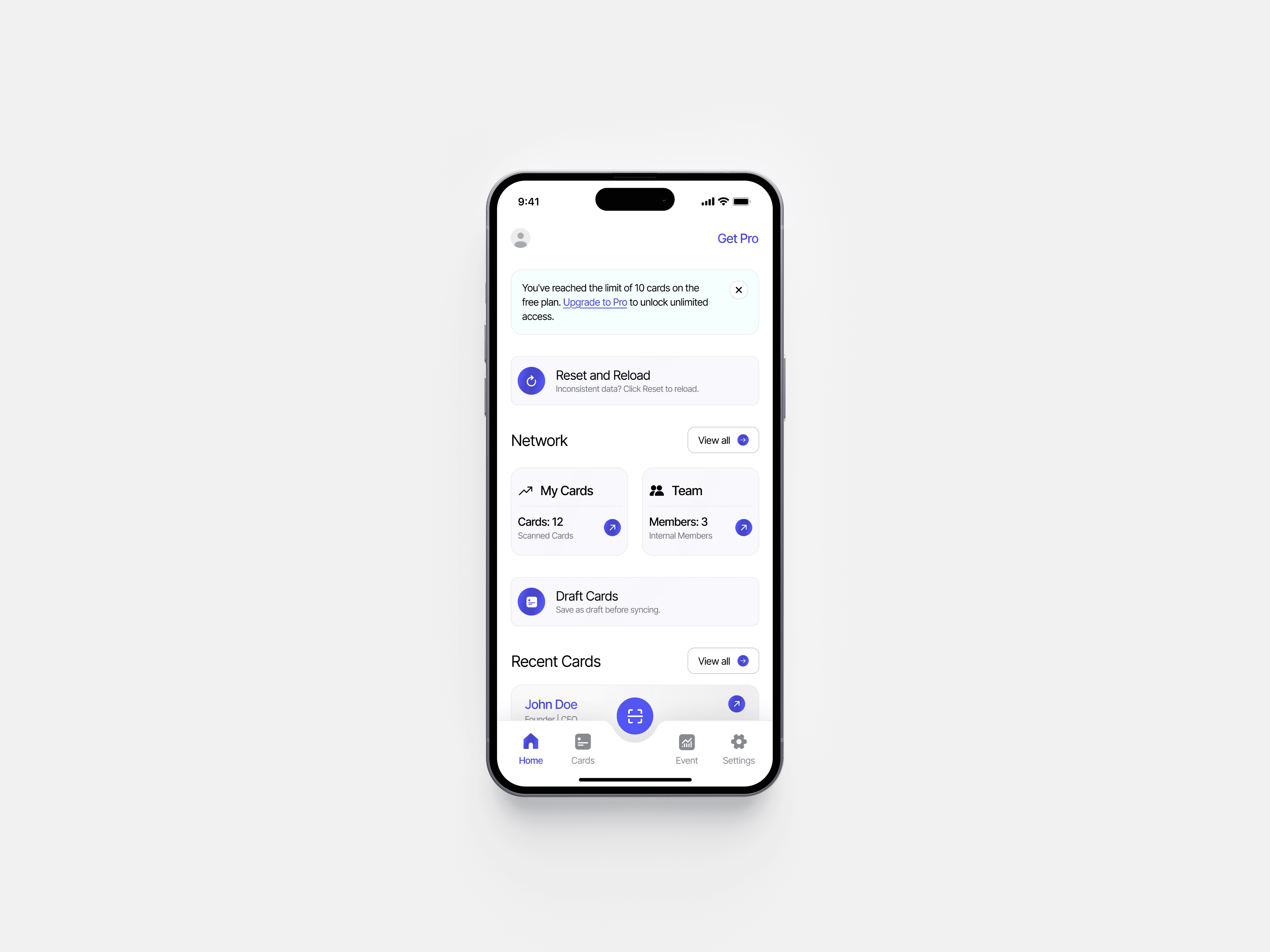
Home & Dashboard Experience
The home screen provides:
Quick access to recent scans
Easy navigation
Clear primary CTA (Scan button)
Designed for instant usability and speed.
Scanning Experience
The scanning interface is the core feature.
Design highlights:
Real-time camera view
Auto edge detection
Minimal UI distractions
Clear capture CTA

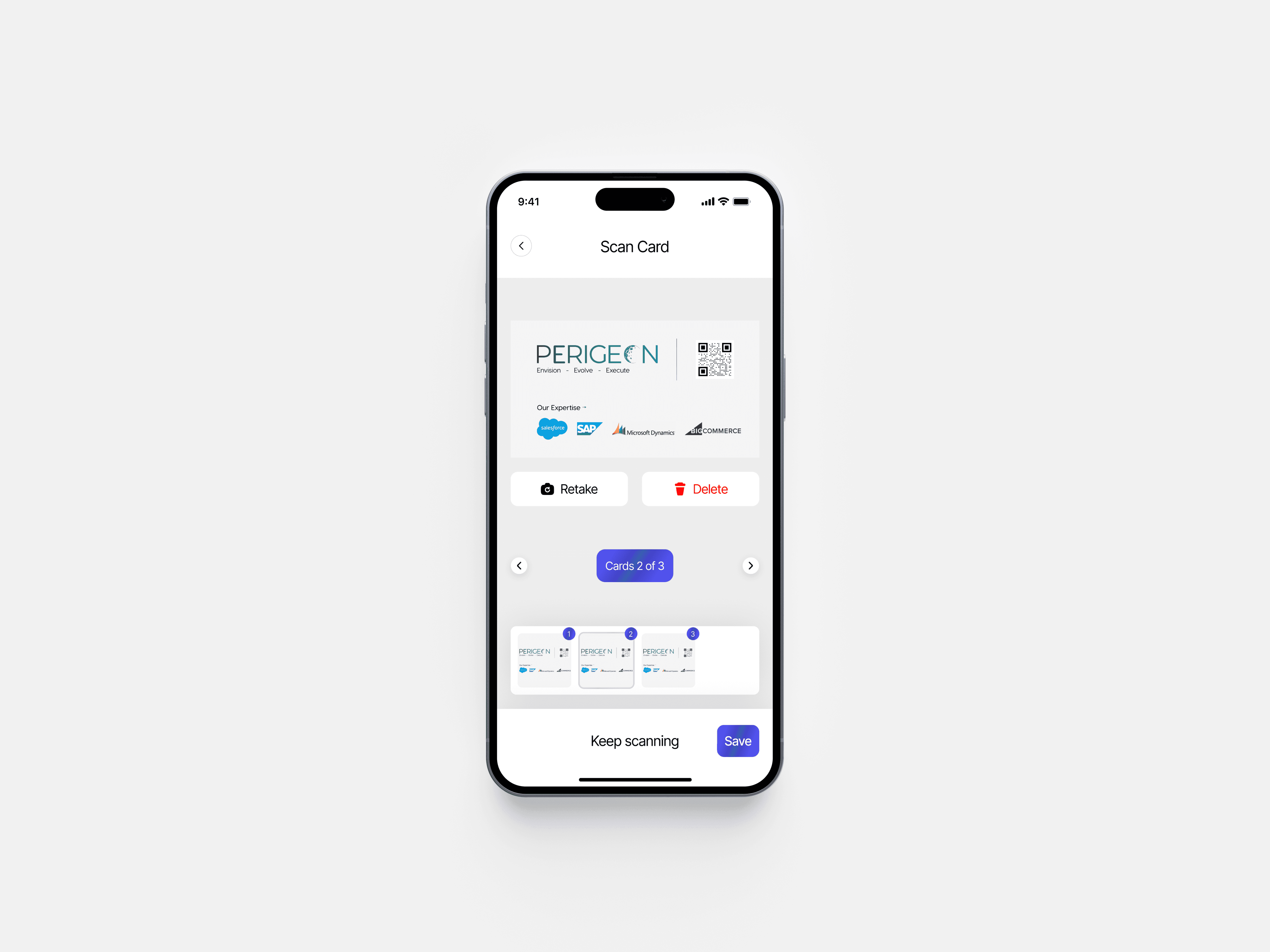
Editing & Enhancement
After scanning, users can:
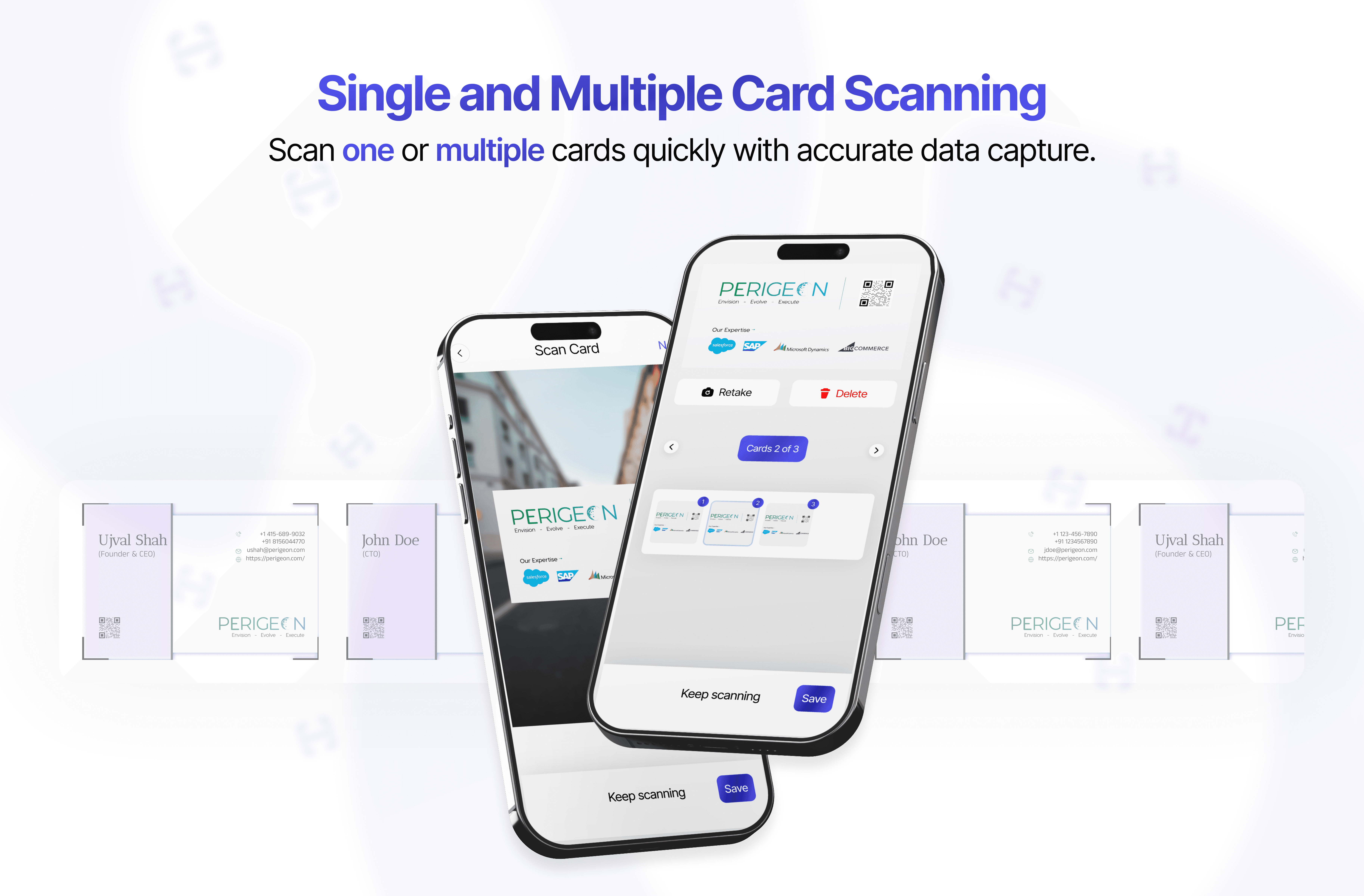
Retake Cards
Delete Cards
Multi Scan
File Management
Users can:
Organize documents
Rename files
Categorize scans
Search easily
Designed for clarity and control.

Sharing & Export
The app supports:
Quick sharing (PDF/Image)
Multiple export options
Seamless file access
Design System
The design system focuses on:
Clean typography
Minimal color palette
Clear iconography
Touch-friendly components
Key Features
Fast scanning experience
Smart editing tools
Easy document organization
Quick sharing
Mobile-first usability
Outcome
The final design delivers:
Faster scanning workflow
Improved usability
Clean and modern UI
Better document management experience
Learnings
Speed is critical in utility apps
Simplicity improves adoption
Clear CTAs enhance usability
Mobile UX requires minimal friction